What Is ComRes CloudTalk
CloudTalk is ComRes’ branded cloud (hosted VoIP) phone service. The service is installed and serviced by ComRes employees in ComRes serving areas.
How Does CloudTalk Differ From Other Hosted VoIP Offerings?
ComRes CloudTalk Business VoIP offers a unique VoIP service experience for customers who want a managed services experience:
One Stop Shop – ComRes provides more than VoIP – ComRes provides a variety of complementary technologies such as IT Service, data equipment, phone/computer cabling, access control and surveillance. This enables ComRes to provide a more complete solution, and diagnose trouble issues that our competitors cannot.
ComRes Service – ComRes answers calls with a live body during normal service hours EST. Service is provided by ComRes employees and not subcontracted out to 3rd parties.
Accessible – Customers have a variety of options to get technical support quickly!:
Phone – Call 954-462-9600 (877-379-9600) – we answer calls with a live body during EST business hours!
Email – Email us at Service@ComResUSA.com
SMS Text – Text us at 954-462-9600
Communications – ComRes proactively updates you on the status of your service requests, work orders and projects
Satisfaction Guarantee – if you are not 100% satisfied with your CloudTalk VoIP service in the first 90 days of service, you can cancel your service and move to a carrier of your choice without penalty.
How Do I Request Support?
For support, you have several convenient options with ComRes. You can call us at 954-462-9600 or 877-379-9600 during EST business hours, and a live representative will assist you. Alternatively, you can email us at Service@ComResUSA.com for prompt help. If you prefer texting, simply send a message to 954-462-9600. These options ensure you receive the support you need in the most convenient way for you.
Can I Provide My Own Devices?
You can utilize a variety of approved VoIP phones and softphones with ComRes CloudTalk VoIP. Contact your ComRes representative to verify which models will work with our service since this list is updated constantly.
How Do I Login To My CloudTalk Account?
Go to
comresvoip.comresusa.com to login to your CloudTalk account with credentials provided by your ComRes representative.
Administrative logins – You can use this account to manage users, look at invoicing, run reports or provision features.
User logins – an optional user login allows you to access advanced features such as CRM integrations, Outlook plugins, browser plug-ins and more.
How do I run call reports for my extension or others?
1. Go to
https://comresvoip.comresusa.com/
2. Login using your email address as the user name, and your password
3. Go to the Reports tab
In the date range, but a start and end date
Under Call Type, use the drop down to select the type of call or all
In the Search box on the top right, you can leave it blank to search all extensions, or put in a single extension
When done, press the Search button on the top right
This will show you the calls. You can export them by pressing on the Export button on the top right
If you do a new search remember to clear out any extension info you have in the search box
How Do I Get Help In My CloudTalk User Portal?
When you login to your CloudTalk User Portal, on the top right you will see your login name. Click on this button, and select the option for help. You will have options to search for features or applications that you want help with.
I have heard that VoIP has poor quality, should I be concerned about switching to VoIP?
VoIP call quality has improved dramatically, and works just fine when installed correctly. However, you can still experience poor call quality if you do not plan VoIP service implementation correctly. ComRes takes great care to counsel customers on the proper way to deploy VoIP so as to ensure the highest call quality. Some things that affect VoIP call quality are:
Cabling
– Cabling must be properly installed Cat 5e or Cat 6 cabling. This is even more important if you plan on sharing the cable between a VoIP phone and data device. Have an experienced cabling company evaluate your cable to ensure that it will support VoIP properly. Contact your ComRes representative to evaluate your cabling and make recommendations for improvements if necessary
Data Switches
– Sub-standard data switches can cause poor VoIP quality. Use quality products from reputable manufacturers. Like cabling, this is especially important if you plan on sharing cabling between a VoIP phone and data device.
Internet Bandwidth/Quality
– Internet quality can greatly affect your VoIP experience. Make sure that you have sufficient Internet bandwidth and transmission quality prior to installing CloudTalk VoIP service to ensure the best experience. Contact your ComRes representative to find out if your Internet service is of sufficient quality and to make recommendations for improvement if necessary
Is There A Free Trial For CloudTalk VoIP Or Any Features/Applications?
You can request a free no-risk trial of CloudTalk VoIP from your ComRes representative or
click here. If you are a CloudTalk customer, and want to try out a feature/application that is on a different VoIP plan, simply ask your ComRes representative to setup a limited-time trial.
Which Phones Are Compatible With CloudTalk?
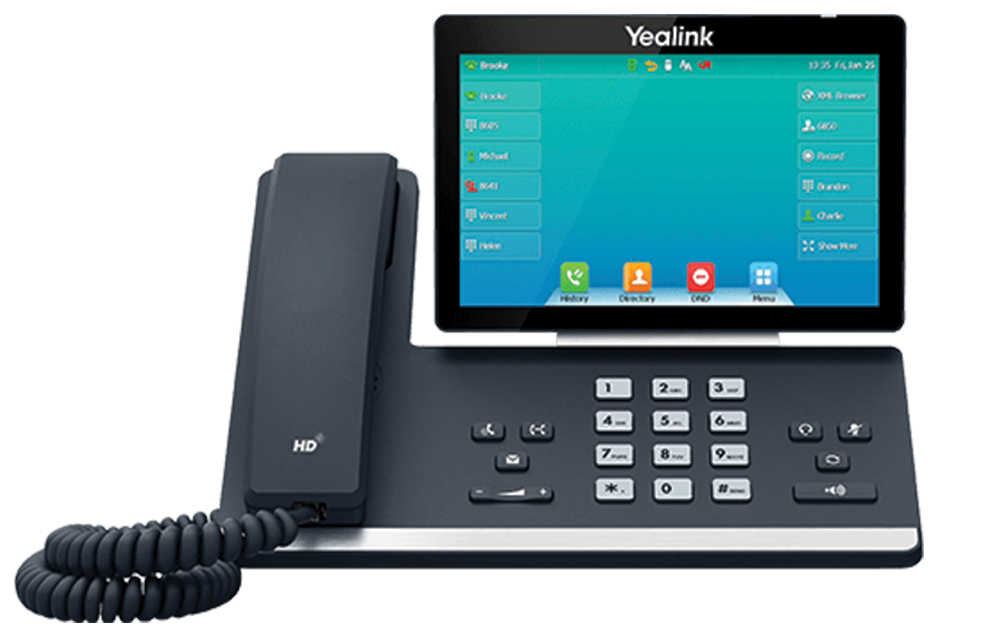
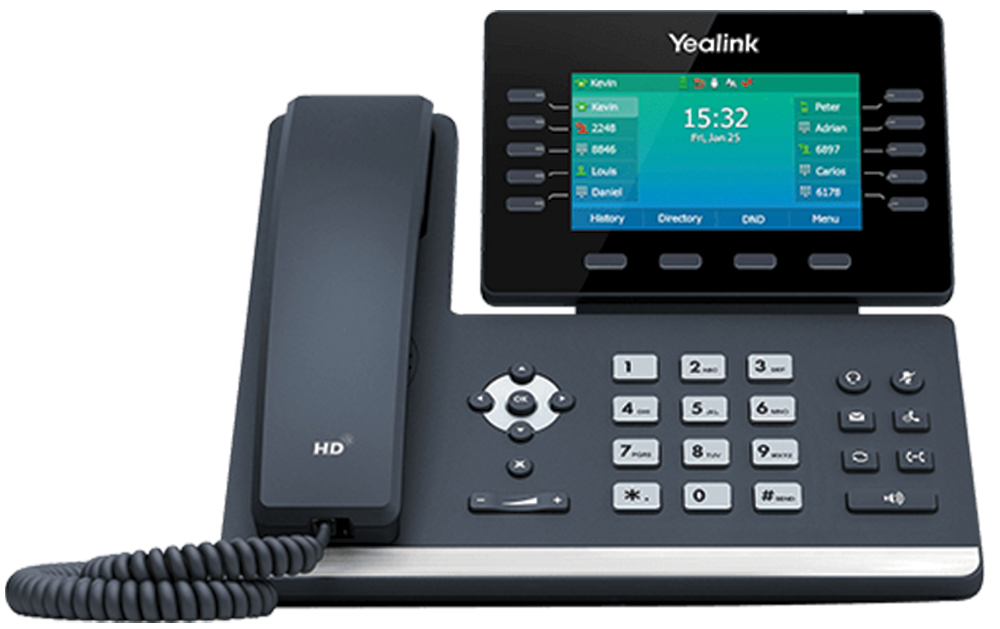
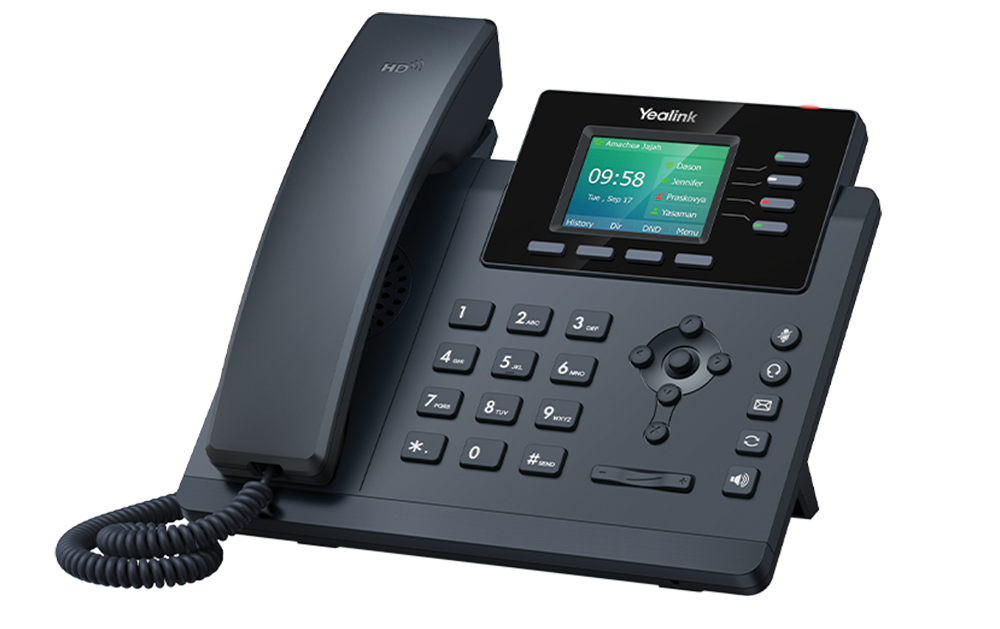
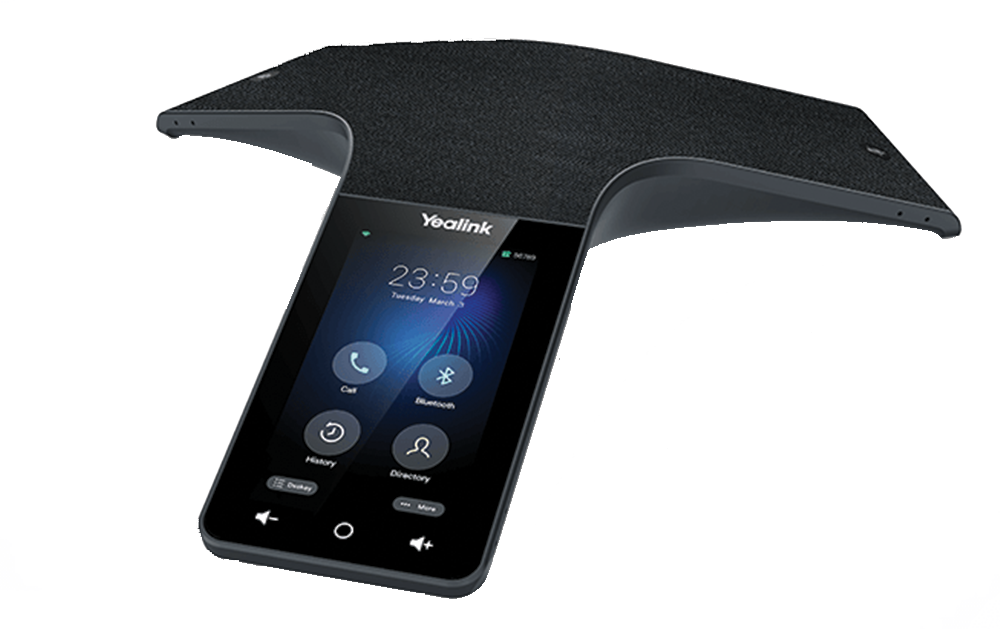
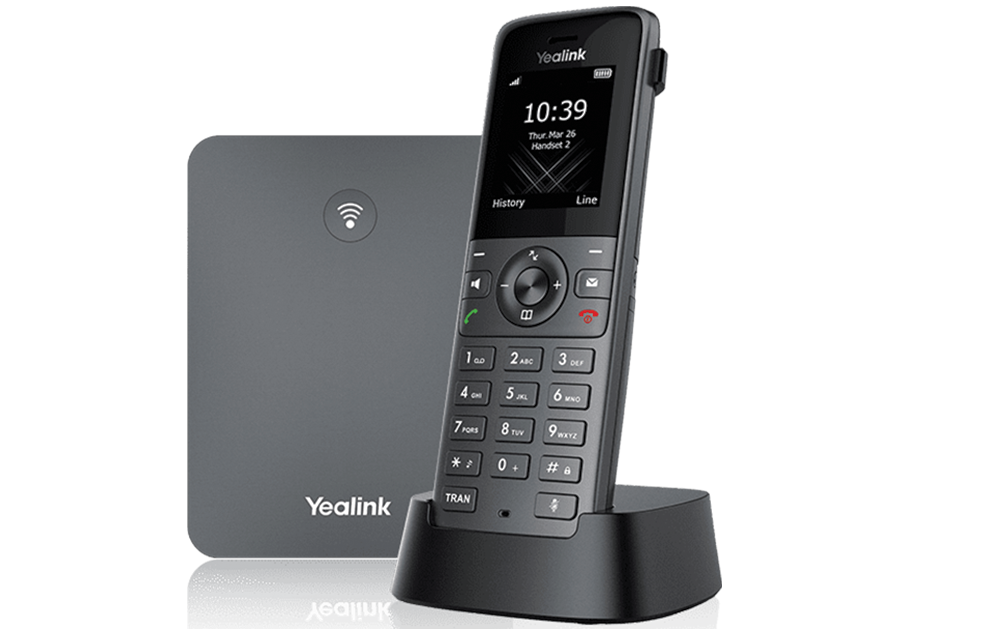
CloudTalk supports a wide variety of SIP phones from Yealink, Polycom, Grandstream, Cisco, Snom and others. This list is updated frequently so contact your ComRes representative if you have a questions about which models are compatible. Most SIP phones will work with CloudTalk VoIP, but it is preferred to use one that has passed our interoperability testing
Are Soft Phones Or Smartphone Apps Available?
ComRes CloudTalk comes with our ConnectUC client for the desktop or smartphone. This application gives you a variety of Unified Communications features such as transfer, conference, presence and more! You can use it in conjunction with your CloudTalk deskphone or as a standalone phone device. ConnectUC also is available for contact center agents and has a version for receptionist consoles. (you can refer to the https://www.connectuc.io/ page to snag an image of the softphone).
Does CloudTalk Offer A SMS Solution That Works With A CRM?
CloudTalk allows you to message people with SMS text messages as an option. Additionally, CloudTalk has a version that tightly integrates with
Zoho One CRM
Will My Phone Work From Home?
CloudTalk phones can work from anywhere in the world behind high quality Internet service. Physical phones will require power from a PoE data switch or power supply, and require access to the Internet through a physical connection to your Internet, or in some cases to your WiFi.
I Have Multiple Locations, Will Everybody Be On The Same System?
With CloudTalk, all of your locations can be on a single system if you want them to be. Users can easily dial each other on 3 or 4 digit extensions, users can move between offices and share speed dial directories.
Can I Re-Use My Music-On-Hold?
CloudTalk can re-use any standard .wav or .mp3 file for music-on-hold. If you want, ComRes can arrange to have a professionally made music-on-hold message created.
Can I Record Phone Calls?
ComRes does provide call recording as an option for 1 or more of your users. Call Recordings can be reviewed by managers for improving customer service or compliance reasons.
Can I Replace My Conferencing Service With CloudTalk?
Yes, CloudTalk offers a high-quality audio-conferencing service at competitive prices. Some of our VoIP plans include conference calling.